https://docs.netlify.com/visual-editor/get-started/get-started-overview/
Get started with the Netlify Visual Editor by choosing your setup path and checking that your site meets the requirements to use the visual editor.
Netlify Visual Editor is an environment for content editors to work with structured content in a visual way. It is designed for composable architectures, and is compatible with any site framework and API-enabled content source.
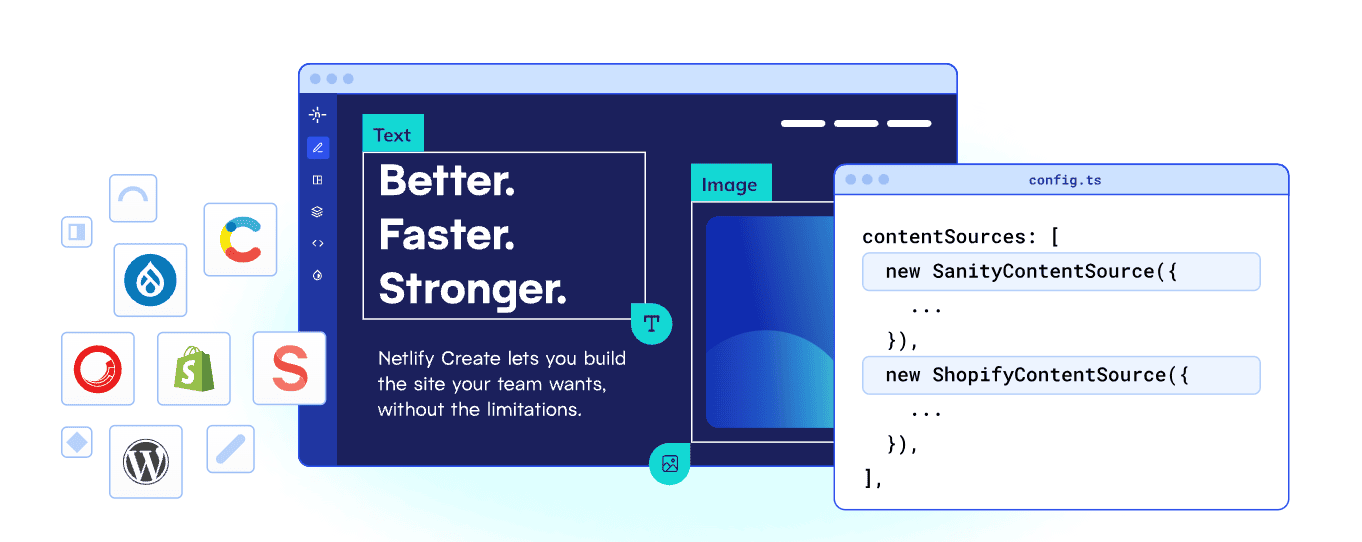
overview of visual editor with content source icons, such as the sanity icon, the visual editing interface, and a configuration file identifying sanity as the content source
The visual editor is optimized for giving Developers the most flexibility in setting up a visual editing environment and custom workflow for a Content team.
This allows Content editors and other custom roles to build new pages with ease and publish content in a streamlined workflow.

streamlined workflow diagram showing idea to published content without the need for engineering
Learn more about how the visual editor works or learn as you go by getting started.
There are several ways to start setting up the visual editor. We recommend you set up in different ways based on what you are optimizing for.
| Optimizing for | Site Type | Setup guide |
|---|---|---|
| Fastest way to try out visual editor experience on Netlify with new site | New site using a pre-configured template | Visual Editor Quickstart |
| Configuring more than one content source & advanced customization | An existing site or new template site | Set up visual editor locally |
| Existing sites deployed on Netlify with simpler customization | Existing sites | Visual editor walkthrough setup guide |
After your initial setup of the visual editor, we recommend you customize the visual editor for your site and workflow needs. Learn more in the customize editing experience docs.
For the most success getting visual editing working for your site, you should have the following:
If your site doesn't meet these requirements, you can likely still get visual editing working with additional code and configuration. Contact us for help.